
Most invoicing software wasn’t built for freelancers. It was built for accounting departments, then trimmed down and rebranded as “simple” — except it still asks you to set up a chart of accounts, reconcile ledgers, and navigate menus designed for someone with a finance degree. If you’re a freelancer, none of that is your job. Your job is the work you’re actually good at — design, writing, development, consulting, photography, whatever it is — and getting paid for it without losing an evening to software that fights you at every step.
Invoice Spark was built around that reality. This software shows the proper design of effective freelance invoicing systems, which people should understand better than they do, and users must learn its correct operation instead of simply installing it.
Why Freelancers Need Different Invoicing Software Than Businesses
A small business with five employees and a part-time bookkeeper operates under different requirements than a freelancer who works independently. The bookkeeper has time to learn complex software. The freelancer doesn’t — they’re billing one client this week, three next week, and need it done between client calls, not instead of them.
The differences that actually matter
Speed over depth
A freelancer needs to create and send an invoicing software in under two minutes, often from a phone, often between other tasks. Enterprise tools optimize for accuracy across departments. Freelancer tools need to optimise for speed without sacrificing accuracy.
Irregular income tracking
Freelance income doesn’t arrive in predictable monthly amounts. Good invoicing software needs to make sense of payments that come in clusters, gaps, and different currencies — without forcing you into a monthly recurring framework that doesn’t match reality.
Client relationship context
A freelancer might have eight active clients, each with different payment terms, different rates, and different invoice formats they expect. Switching between client “profiles” needs to be instant, not a multi-step process.
Tax-year readiness without an accountant on staff
Most freelancers handle their own taxes or hand a single spreadsheet to an accountant once a year. Invoicing software needs to produce that spreadsheet — or something close to it — without manual reformatting.
The honest test of invoicing software for freelancers isn’t “can it do everything.” It’s “can I create, send, and track an invoice for a new client in under three minutes, on my phone, without reading instructions.”
What Invoice Spark Actually Does Differently
Invoice Creation That Doesn’t Require a Template Library
Most invoicing apps hand you a template gallery and expect you to pick one, then spend ten minutes customising fonts and colours before you can add a single line item. Invoice Spark starts from a clean, professional default that looks right out of the box — your logo, your details, your client’s details, line items, total. Done.If you want to customise further — add your brand colour, adjust the layout — that’s available, but it’s not a prerequisite to sending your first invoice.
Built for Multiple Clients, Multiple Rates
If you’re a freelance developer charging one client an hourly rate and another a fixed project fee, switching between them shouldn’t mean rebuilding the invoice from scratch. Invoice Spark saves client profiles — their billing details, preferred currency, payment terms, and your agreed rate structure — so generating the next invoice for that client takes seconds, not minutes.
Payment Tracking Without the Guesswork
“Has this client paid yet?” is a question every freelancer asks themselves too often, usually while scrolling through bank statements trying to match a transfer amount to an invoice number. Invoice Spark tracks invoice status — sent, viewed, paid, overdue — so you have a clear picture without manual reconciliation.
Automated Payment Reminders Without the Awkwardness
Chasing late payments is one of the most uncomfortable parts of freelancing. Nobody enjoys sending the “just following up on invoice #042” email, especially to a client you want to keep working with. Invoice Spark can send automated, professionally worded reminders on a schedule you set — so the reminder comes from the software, not from an awkward message you had to write yourself.
Multi-Currency Support for International Clients
If your clients are spread across different countries — increasingly common for freelancers working with agencies, startups, or remote-first companies — invoicing in the right currency, with accurate exchange rate handling for your records, matters. Invoice Spark supports multiple currencies so you’re not manually converting figures for your own tax records later.
Expense Tracking Alongside Invoicing
Freelancing isn’t just about money coming in — it’s also software subscriptions, equipment, travel for client meetings, and other deductible expenses. Having expense tracking in the same app as invoicing means your tax-year picture is in one place, not split across three different tools you have to cross-reference manually.
How to Get Started with Invoice Spark — A Practical Walkthrough
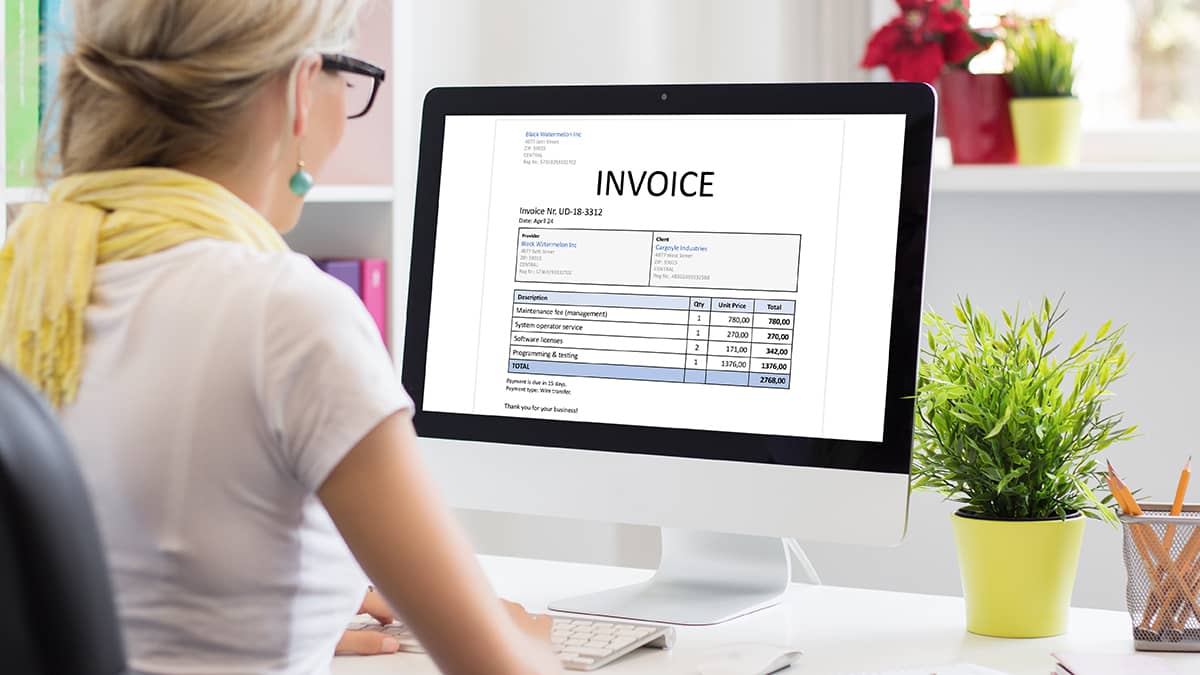
Step 1: Set Up Your Business Profile Once
Add your name or business name, logo, contact details, and default currency. This is a five-minute, one-time setup. Every invoice afterward pulls from this automatically.
Step 2: Add Your First Client
Enter your client’s billing details and, if relevant, their agreed rate or project terms. If you have an existing client list, do this in batches when you have a few spare minutes — you don’t need to do it all on day one.
Step 3: Create Your First Invoice
Select the client, add line items — hours worked, project milestones, deliverables — and Invoice Spark calculates totals, applies tax settings if relevant to your region, and generates a professional invoice ready to send.
Step 4: Send Directly from the App
Email the invoice to your client directly, or generate a shareable link or PDF. Either way, the invoice status updates so you can track whether it’s been viewed.
Step 5: Let the App Track Payment Status
As payments come in, mark invoices as paid — or, depending on your setup, let payment confirmations update automatically. Overdue invoices are flagged so nothing slips through unnoticed for weeks.
Common mistake: Freelancers often set up invoicing software, send a couple of invoices, then drift back to spreadsheets or word processor templates when things get busy. The software only earns its place if it’s faster than the old method — which is why the client profile and saved-rate features matter. They remove the friction that causes people to revert to old habits.
Invoicing Software for Freelancers vs General Business Tools — What to Actually Compare
When freelancers compare invoicing software, the comparison often focuses on the wrong things. Feature lists look similar across most tools. What actually differs is how those features behave in a freelancer’s daily reality.
Look at
- How many taps or clicks to send an invoice to a returning client
- Whether the mobile app is a genuinely usable invoicing tool, or just a notification viewer for the desktop version
- How payment reminders are worded — generic and robotic, or professional and appropriately toned
- Whether multi-currency handling is built in or requires a separate conversion step
- How easy it is to export data for tax purposes without reformatting
Don’t get distracted by
- Feature lists that include things built for teams of 10+ people — payroll integration, multi-user permissions, departmental budgets. If you’re a solo freelancer, these add complexity without adding value.
- Free tiers with invoice limits so low they force an upgrade within the first month — check the actual limits, not just the existence of a free plan.
Common Invoicing Mistakes Freelancers Make — and How Better Software Fixes Them

Inconsistent invoice numbering. Manually tracking invoice numbers across a spreadsheet leads to duplicates, gaps, and confusion — particularly at tax time. Invoice Spark auto-generates sequential invoice numbers, so this is handled without thinking about it.
Forgetting to follow up on overdue payments. The single biggest cash flow issue for freelancers isn’t lack of work — it’s late payment on work already completed. Automated reminders close this gap without requiring you to remember.
Mixing personal and business records. When invoices live in email drafts, random folders, or a mix of apps, reconstructing a year’s income at tax time becomes a multi-day task. Centralised invoice history avoids this entirely.
Underestimating currency conversion impact. Freelancers working internationally sometimes record invoice amounts in the client’s currency without tracking the actual amount received after conversion and fees — which can create discrepancies in their own financial records. Built-in multi-currency tracking keeps this accurate from the start.
Frequently Asked Questions
What makes invoicing software good specifically for freelancers, rather than just “small business” software?
The core difference is friction. The software which targets freelancers for invoicing purposes reduces the process of receiving payments after work completion through its fast invoice generation and client profile storage and mobile-friendly interface and automated payment monitoring system. The basic software for small businesses creates extra difficulties for freelancers because it requires them to manage departments and multiple users and maintain inventory which they do not need.
Can I use Invoice Spark if I have clients in different countries with different currencies?
Yes. Invoice Spark supports multiple currencies, so you can invoice international clients in their currency while keeping accurate records for your own accounting and tax purposes.
Will Invoice Spark help me get paid faster, or does it just create invoices?
Both. Creating a professional invoice quickly is the starting point, but the features that actually affect how fast you get paid are payment status tracking and automated reminders — these reduce the gap between an invoice becoming overdue and the client being prompted to act.
Do I need accounting knowledge to use Invoice Spark?
No. Invoice Spark is built for freelancers who handle their own invoicing without formal accounting training. It handles invoice numbering, tax calculations where applicable, and expense categorisation in a straightforward way — designed to be usable without prior bookkeeping experience.
Can I track business expenses as well as invoices?
Yes. Invoice Spark includes expense tracking alongside invoicing, so your income and outgoings for the tax year are in one place rather than split across separate spreadsheets or apps.
Is Invoice Spark suitable if I only send a few invoices per month?
Yes. Whether you’re sending two invoices a month or twenty, the same client-profile and tracking features apply — the time saved per invoice compounds even at lower volumes, and the payment tracking removes the “did they pay yet” uncertainty regardless of how many invoices you send.
What happens if a client doesn’t pay an invoice on time?
Invoice Spark flags overdue invoices and can send automated, professionally worded payment reminders on a schedule you configure — so you’re not stuck writing awkward follow-up messages yourself.
Can I use Invoice Spark on my phone, or do I need a computer?
Invoice Spark is available as a mobile app, designed so you can create, send, and track invoices directly from your phone — useful for freelancers who need to invoice between client meetings or while away from a desk.
How do I get started with Invoice Spark?
Download the app, set up your business profile once — name, logo, contact details, and default currency — then add your first client and create your first invoice. The initial setup takes a few minutes; everything after that is faster.
Greate app for small businesses
“This is exactly what I needed to read today! Fantastic tips for making sure we get paid faster and look professional doing it. Thanks for sharing!”